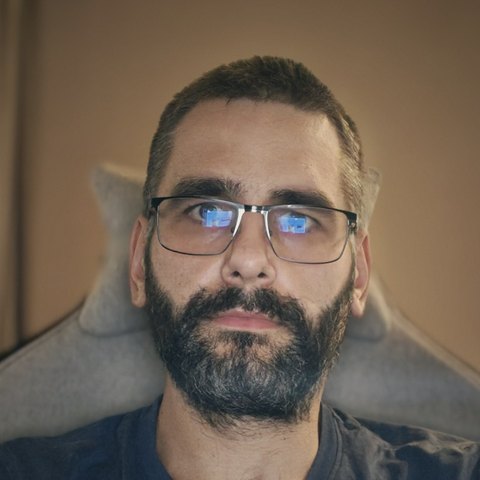
Grading is not dragging a filter over the picture. It is the difference between footage that looks shot on the same day and footage where every scene has a different skin tone.
I do colour correction and grading in DaVinci Resolve Studio, Log footage from camera or phone included. If you already have an editor and only the colour is off, that step can come separately: you send the cut timeline, I send back the graded version.
What you get
- Exposure and white balance matched across every camera and every shooting day
- Log and RAW converted through CST, keeping what is actually in the file
- Skin tones that hold, without flattening the rest of the frame
- A look that fits the brand, consistent across the whole film
- Masks and tracking where the light needs local work — a window blowing out, a face in shadow
- Export in the format you need, including a version for social
Examples
Before and after — grading phone footage
The same frame straight out of a phone and after correction: white balance fixed, skin tone back, contrast built without crushing the shadows.
Colour grading — leaf close-up
A phone clip in RAW next to the graded version: deeper greens, water drops that catch the light, shadows that keep their detail. Same shot — only the colour changes.
How it works
- You send the raw footage, or an exported timeline with an XML or EDL if the edit is done.
- You get a price for the project.
- A few reference frames first to settle the direction, then the full grade.
- Delivery in the format you asked for, with a separate social version if needed.
Where I work
Remotely, for clients in Poland, Belgium and the Netherlands. We can work in Polish, Dutch or English.